
Hi everyone,
Patchwork 3D Enterprise 2026.1 supports Alias 2027, adds two scripting APIs, and brings several fixes.
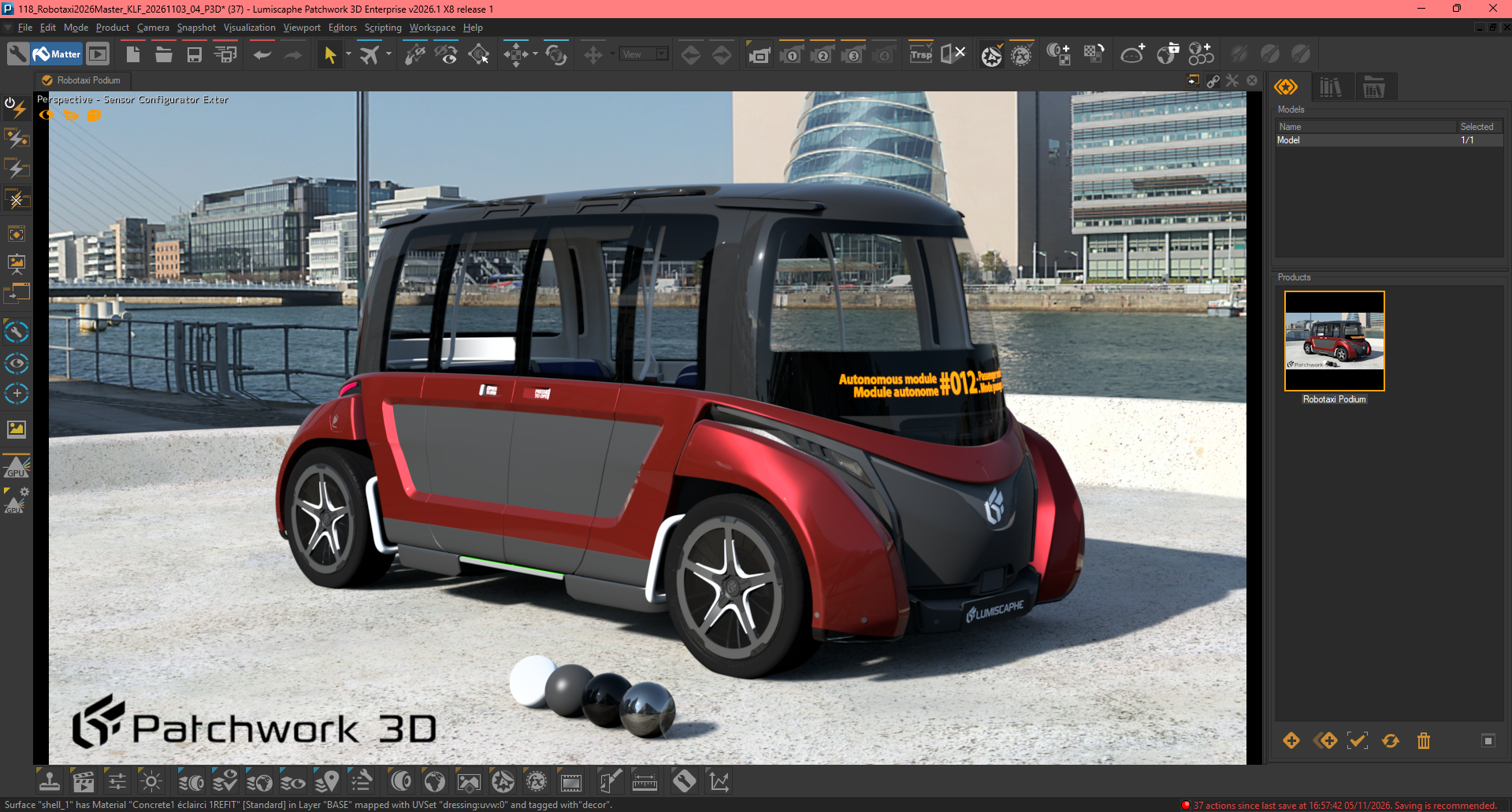
Alias 2027 support
With Alias 2027, Autodesk changed the Alias licensing system. As a result, importing Alias Wire (.wire) files in Patchwork 3D 2026.1 requires a valid Alias license:
- No action is needed in Patchwork 3D if your Alias license is registered with Autodesk on your computer.
- The Autodesk licensing service must be running on your computer. For a user license, you must also be signed in to your Autodesk account, for example through Autodesk Access.
Alias is now loaded only when you import a .wire file, no longer at every Patchwork 3D startup, which avoids unnecessary license checks.
Scripting
- New API to filter the surfaces affected by a light.
- Backface culling is exposed on Product through the ignoreBackfaceCull property and the cullface/setCullface methods.
Fixes
- STEP import: the “Do Spline Resurface” option is now enabled by default, which prevents edges from being translated far outside the part on some files.
- Fixed Solidworks import failure on some files.
- Fixed CUDA error 700 that occurred in some circumstances in GPU ray tracing.
- Fixed a color shift on bright, saturated colors when antialiasing or supersampling is enabled.
Other fixes concern Wavefront OBJ import, rendering, Live mode and filtered lists, as well as three crashes in Shaper, in the camera list and when filtering aspect layers. See the full list in Patchwork 3D Enterprise under Help > Version Changes.
To learn more about this release, please reach your Sales Manager or contact us.
We look forward to reading your feedback.