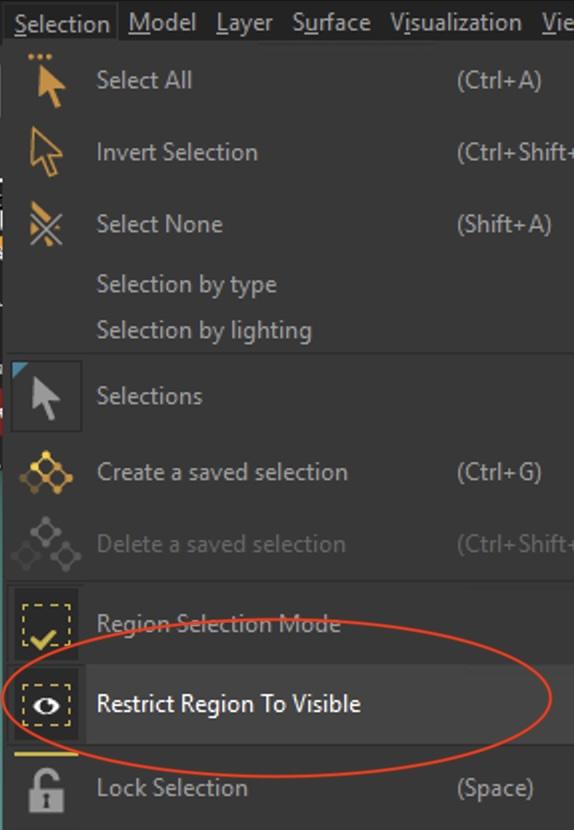
You can select the visible parts in the “restrict region to visible” mode (the default selection mode selects all surfaces that are behind the cursor, even the hidden ones). Then click “Visualization/Hide selected” in order to hide the visible objects and see the internal objects. You can then select them all and manage them the way you want (hide them, delete them, move them to another geometry layer)