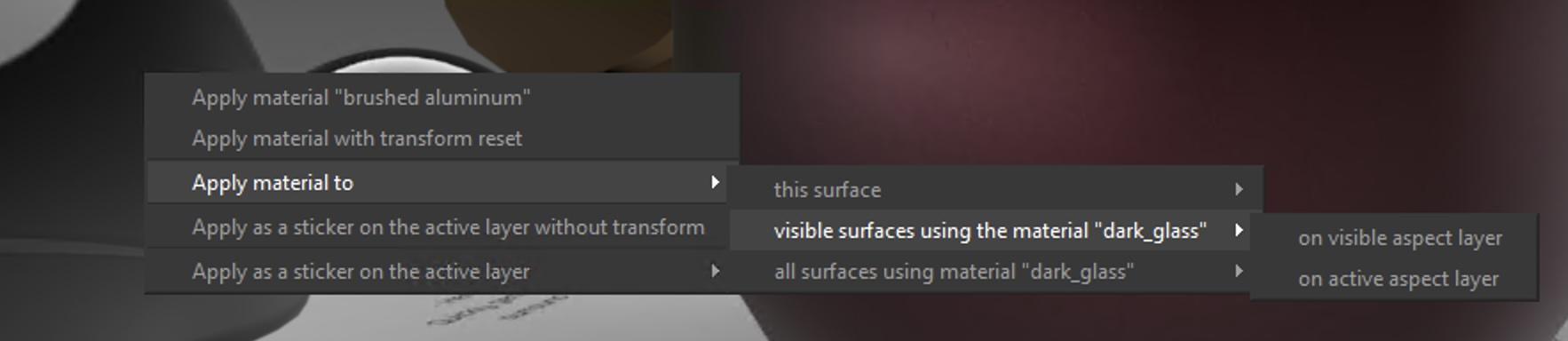
When you drag-n-drop a material on a surface, you can see in the bottom status bar some information about modifiers. Drag-n-drop+Control+Shift will open an “Advanced menu” and you will be able to replace a material by another for all the surfaces using the same material.